.png)
%201.png)
UnLock’d LaunchPad
Modern AI-Powered Onboarding That Actually Sticks
Transform Day One into a clear, confident launch with structured, role specific onboarding journeys that reduce ramp up time and prevent costly early turnover.
The Onboarding Problem
Most onboarding still looks like this:
- Overloaded first days full of paperwork and long presentations.
- New hires left to figure it out between meetings and emails.
- Inconsistent training depending on manager, property, location, or department.
- No clear way to measure what they actually understand vs. what they simply completed.
- Critical knowledge scattered across documents, systems, and peopleIncreased burden on managers and senior staff.
.png)
This leads to:
Confusion and preventable errors.
Frustration in the first 90 days.
Higher early turnover.
Lost productivity and revenue UnLock’d LaunchPad was built to fix that.
Increased burden on managers and senior staff.
Inconsistent customer or guest experiences.
Greater operational risk and compliance exposure.
Increased onboarding and rehiring costs.
Lower employee engagement and morale.
Delayed team performance and operational consistency.
From Information Dump to Clear,
Guided Launch
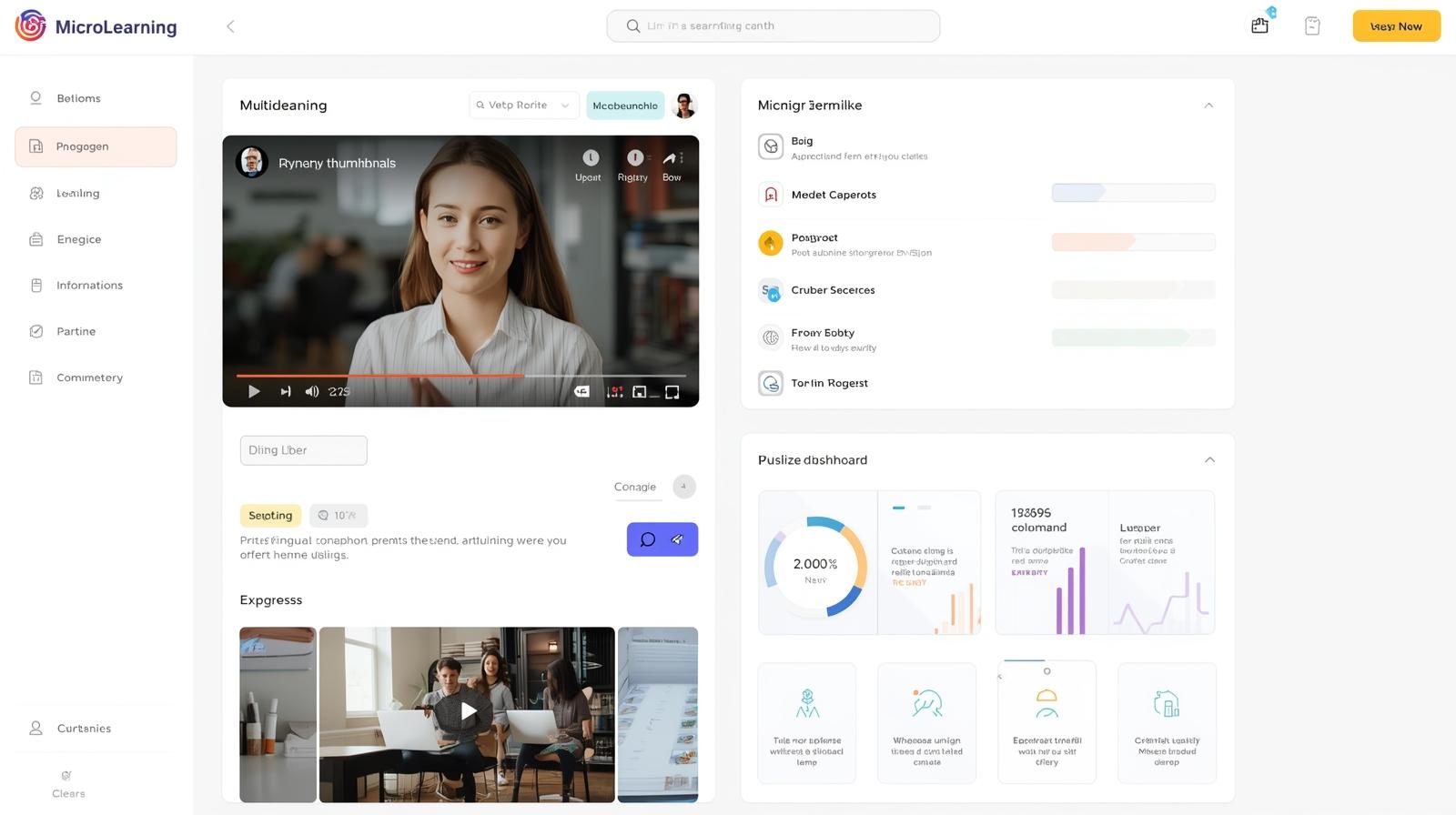
UnLock’d LaunchPad converts onboarding into guided, AI-supported learning journeys that are:
- Role specific - Custom paths for each position or department.
- Blended - Mix of short AI-powered videos, interactive modules, and live or virtual touchpoints.
- Trackable - Measure comprehension, not just completion.
- Flexible - Accessible through your existing LMS or your UTE client portal.
How UnLock’d LaunchPad Works
Step 1
Map the Role
We work with your team to identify the essential knowledge, behaviors, and systems each roleneeds in the first 30/60/90 days.
Step 2
Convert Your Content
We transform your existing documents, playbooks, policies, and slide decks into short, AIenhanced, interactive learning experiences
Step 3
Launch the Onboarding Journey
New hires receive a clear, step-by-step path instead of a scattered set of links and attachments accessible via your LMS or your UTE portal.
Step 4
Track & Adjust
Leaders see completion, comprehension, and confidence indicators, enabling targeted supportwhere it’s actually needed
How UnLock’d LaunchPad Works
Map the Role
We work with your team to identify the essential knowledge, behaviors, and systems each role needs in the first 30/60/90 days.

Convert Your Content
We transform your existing documents, playbooks, policies, and slide decks into short, AI enhanced, interactive learning experiences.

Launch the Onboarding Journey
New hires receive a clear, step by step path instead of a scattered set of links and attachments accessible via your LMS or your UTE portal.
Track & Adjust
Leaders see completion, comprehension, and confidence indicators, enabling targeted support where it’s actually needed.
Key Features & Capabilities
Position Specific Onboarding Paths
Structured journeys for each role, level, or location.
AI-Powered Microlearning
Short just in time training videos and interactive nuggets that fit into real work days.

Multilingual Experiences
Onboarding content can be created or viewed in multiple languages to support diverse teams,

Integrated Checkpoints & Knowledge Gates
Built in knowledge checks and short reflections ensure understanding, not just passive viewing.

Manager & Mentor Touchpoints
Optional prompts and tasks for managers or mentors to reinforce key concepts with new hires.
30/60/90 Progress Visibility
Simple dashboards to see where each new hire actually is in their onboarding journey and where they might be stuck,
Outcomes & ROI
With UnLock’d LaunchPad, organizations can add:
- Reduce time to productivity for new hires.
- Decrease early turnover driven by confusion or lack of clarity.
- Improve consistency of onboarding across locations and teams.
- Provide executives with measurable onboarding performance data instead of assumptions.

Join The UTE Insider
Stay Ahead of Modern L&D TrendsReceive insights, case studies,
platform updates, and early access to new features.